羊城杯2025
DS&AI
SM4-OFB
题目上来先给了一个hint:我得到了由某个密钥加密过的部分数据,其中,已知第一条记录的明文为: 蒋宏玲 17145949399 220000197309078766

对比第一组加密数据:1 cef18c919f99f9ea19905245fae9574e 17543640042f2a5d98ae6c47f8eb554c 1451374401262f5d9ca4657bcdd9687eac8baace87de269e6659fdbc1f3ea41c 6162636465666768696a6b6c6d6e6f70
可以看出这不是aes,就是xor,两个都试一下,发现是字节异或,且用的iv都是一样的
python
# -*- coding: utf-8 -*-
import pandas as pd
from binascii import unhexlify, hexlify

# ----------------------------
# 配置:已知 keystream 前缀
# ----------------------------
ks_name_hex = "2663077431161e64ab"  # 9 bytes
ks_phone_hex = "2663077431161e64ab9755"  # 11 bytes
ks_id_hex = "2663077431161e64ab975542fdee50499abd"  # 18 bytes

ks_name = unhexlify(ks_name_hex)
ks_phone = unhexlify(ks_phone_hex)
ks_id = unhexlify(ks_id_hex)


# ----------------------------
# 辅助函数
# ----------------------------
def xor(a, b):
    """字节异或"""
    return bytes(x ^ y for x, y in zip(a, b))


# ----------------------------
# 读取 Excel 文件
# ----------------------------
input_file = "1.xlsx"  # 输入文件
output_file = "1_decrypted.xlsx"  # 输出文件

df_input = pd.read_excel(input_file)

decrypted_rows = []
for idx, row in df_input.iterrows():
    nctb = unhexlify(row['姓名'])
    pctb = unhexlify(row['手机号'])
    ictb = unhexlify(row['身份证号'])

    # 解密前缀
    name_bytes = xor(nctb[:len(ks_name)], ks_name)
    phone_bytes = xor(pctb[:len(ks_phone)], ks_phone)
    id_bytes = xor(ictb[:len(ks_id)], ks_id)

    # 尝试解码
    try:
        name_plain = name_bytes.decode('utf-8')
    except:
        name_plain = name_bytes.decode('utf-8', errors='replace')
    phone_plain = phone_bytes.decode('utf-8', errors='replace')
    id_plain = id_bytes.decode('utf-8', errors='replace')

    decrypted_rows.append({
        '序号': row['序号'],
        '解出_姓名(前9字节)': name_plain,
        '解出_手机号(前11字节)': phone_plain,
        '解出_身份证(前18字节)': id_plain,
        'name_hex': hexlify(name_bytes).decode(),
        'phone_hex': hexlify(phone_bytes).decode(),
        'id_hex': hexlify(id_bytes).decode()
    })

# ----------------------------
# 保存结果
# ----------------------------
df_decrypted = pd.DataFrame(decrypted_rows)
df_decrypted.to_excel(output_file, index=False)
print(f"解密完成,结果已保存到 {output_file}")
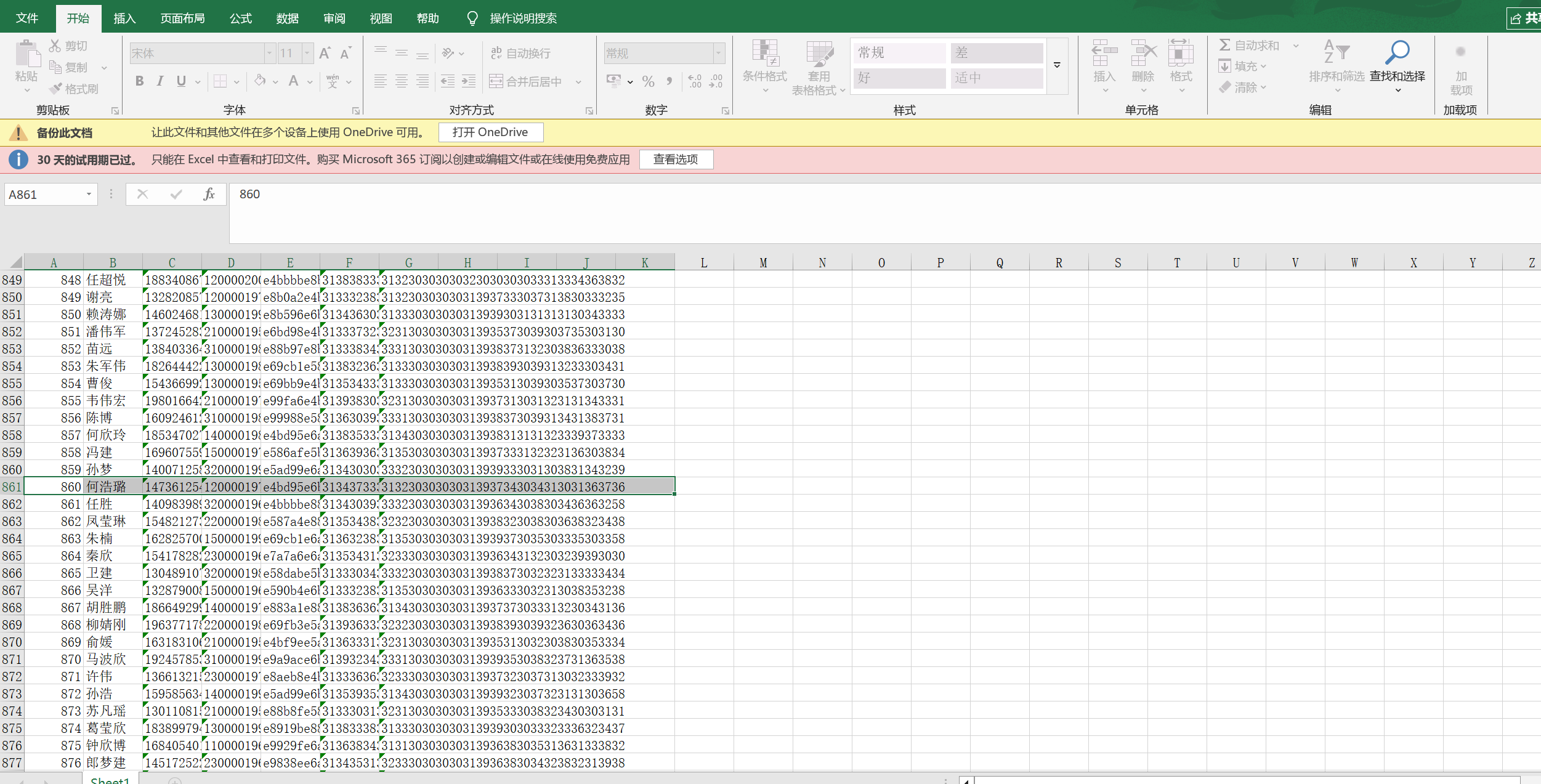
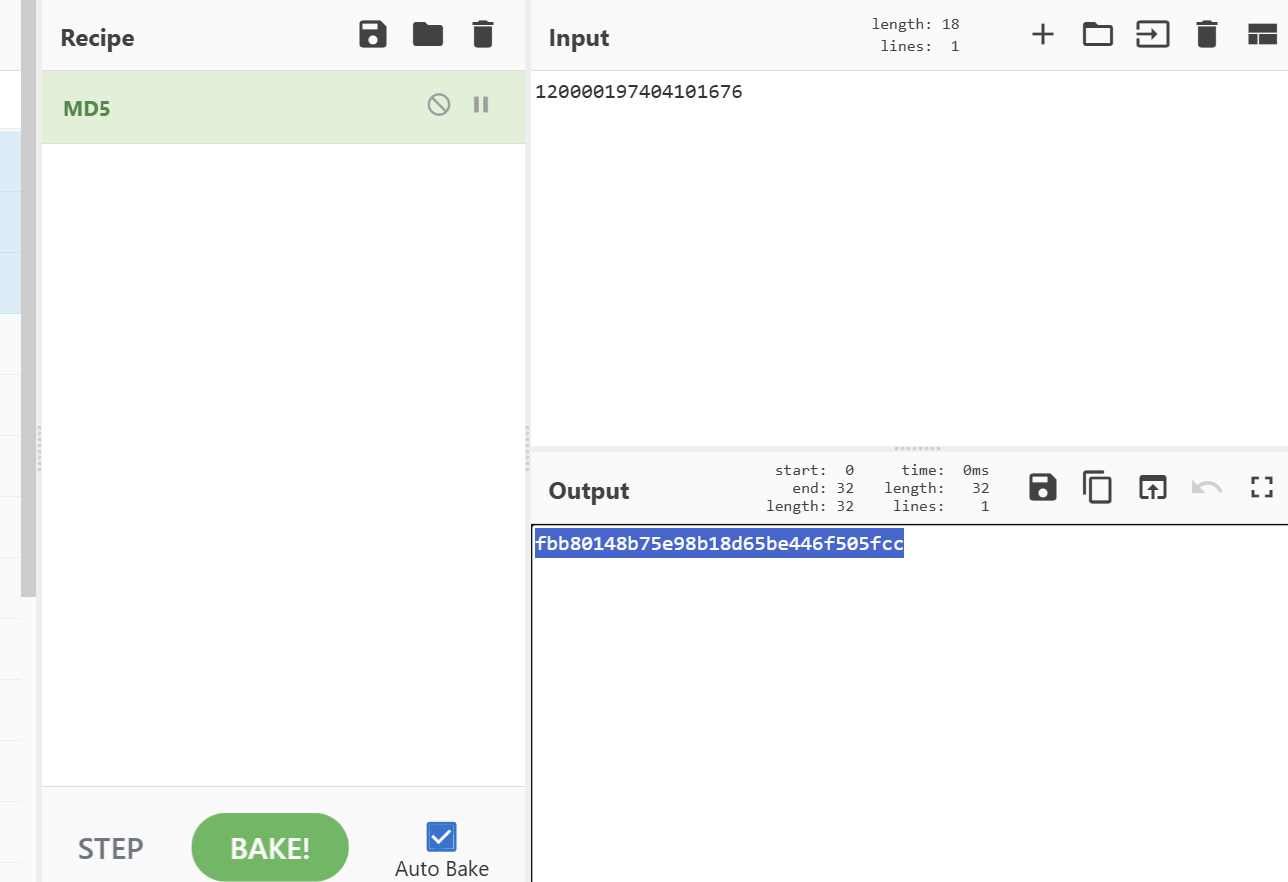
用脚本解密并保存,查找到何浩璐,md5值取一下